

Start at Simulation SIP setup.
- Already have a SIP URI?
- Twilio
- Telnyx
- Plivo
- Exotel
- Jambonz
- Daily
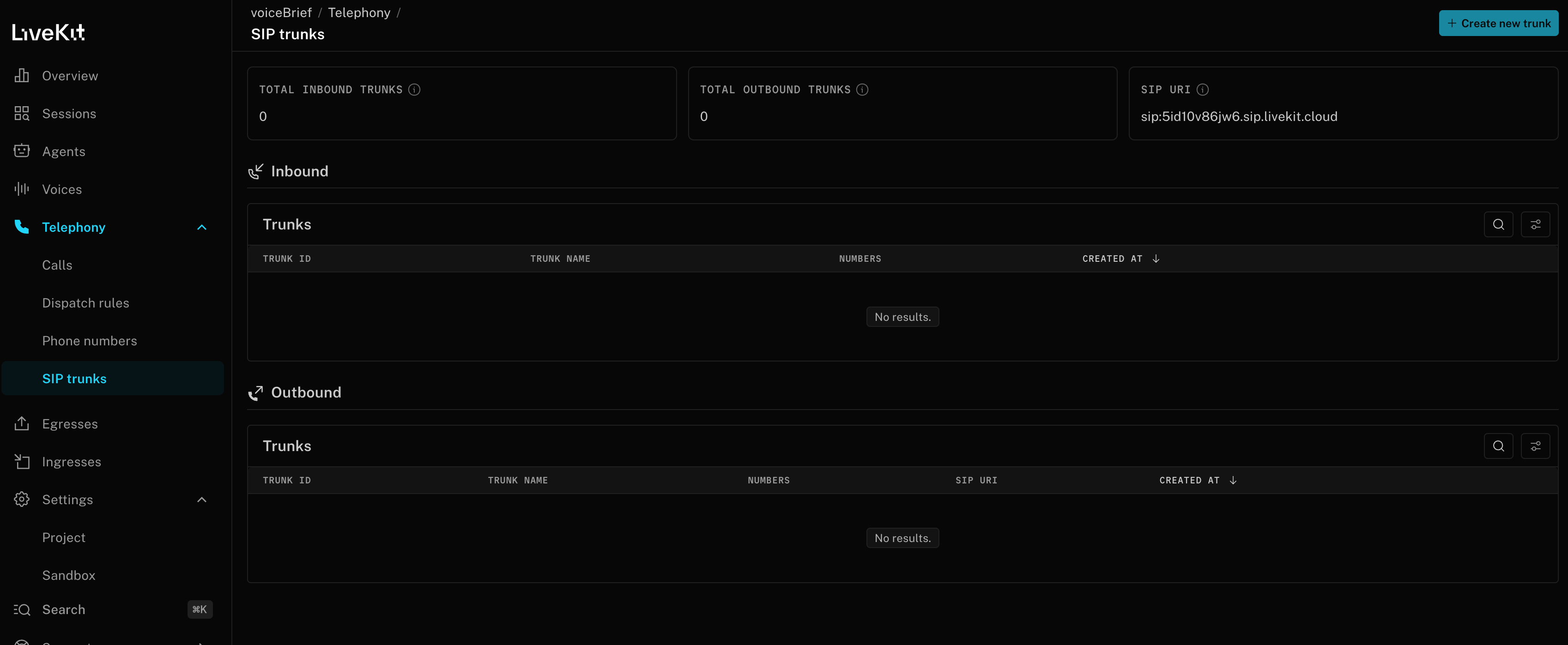
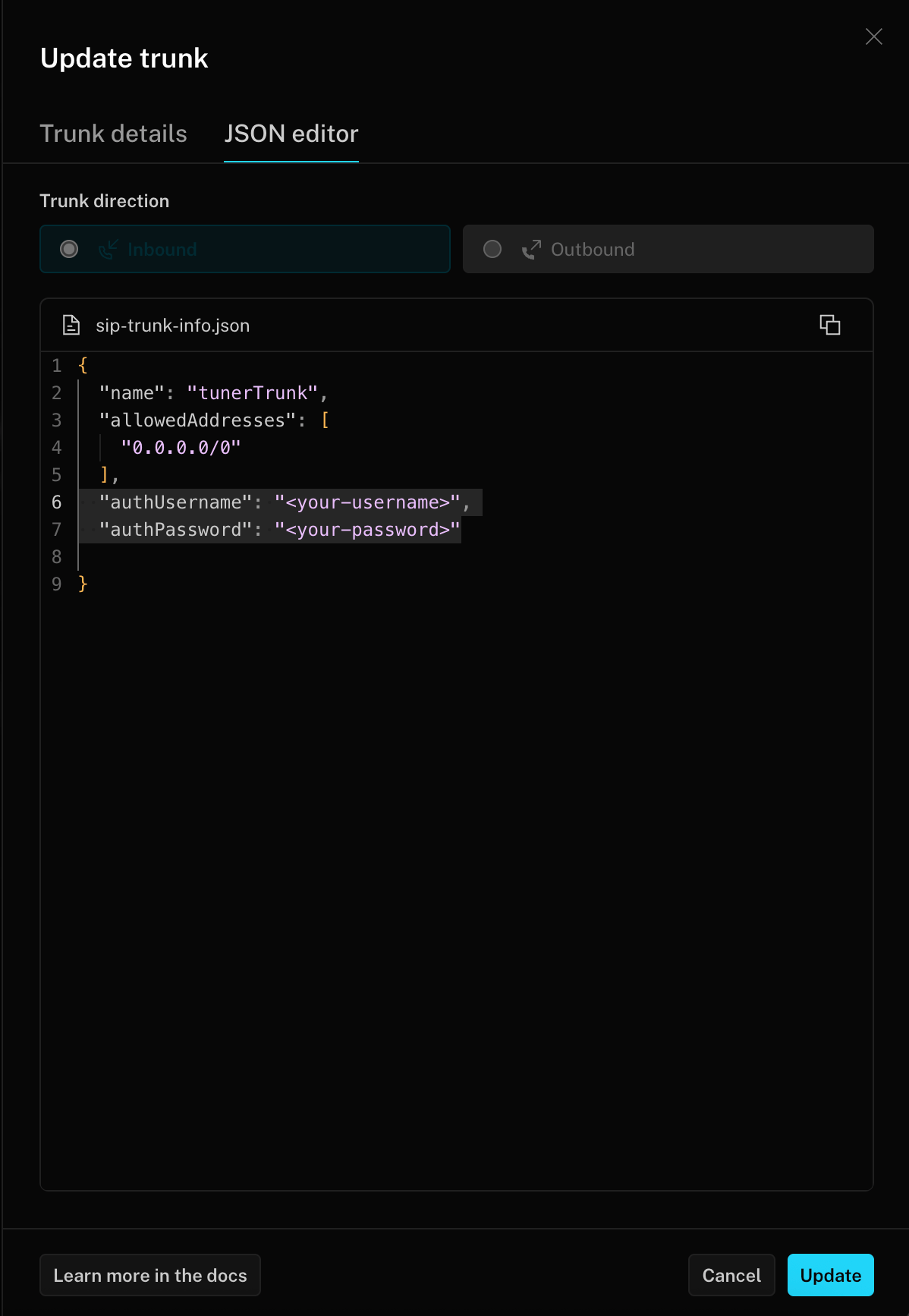
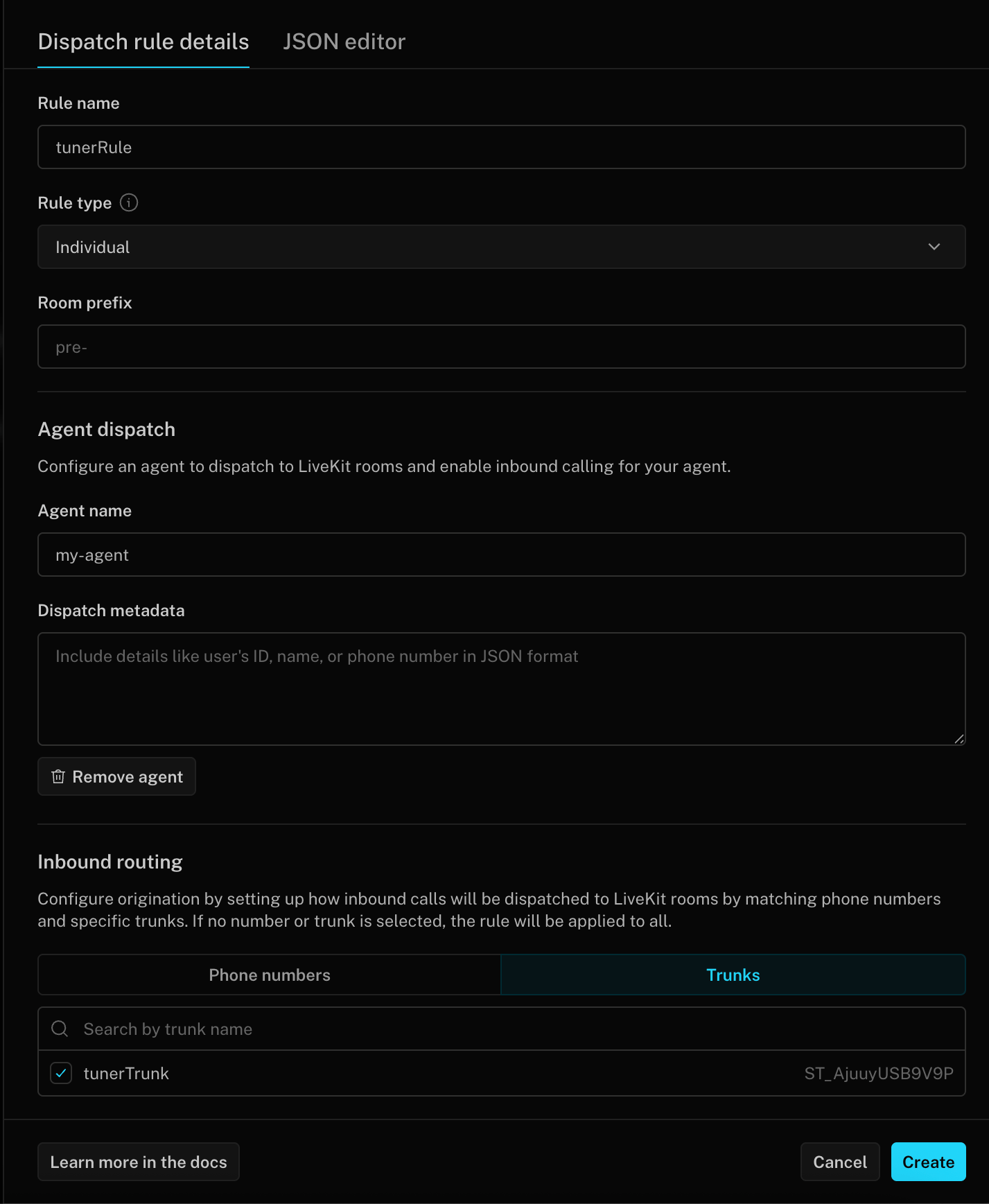
- LiveKit SIP bridge
- Other / custom
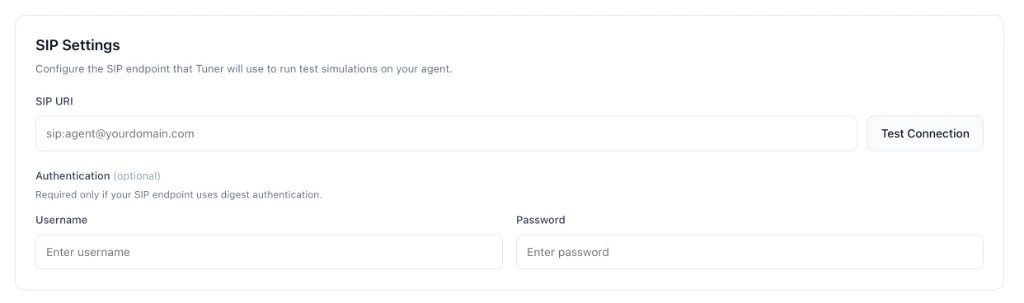
- Open Tuner → Agent Settings → SIP Settings.
- Paste SIP URI, Username, and Password exactly as your provider issued them (leave username/password empty if your edge does not use digest auth).
-
Click Verify & Save.
Sync the call back with the SIP ID
Placing the call is only half of simulation, Tuner also has to recognise the call your agent syncs back as the one it just dialled. To make that link, Tuner uses the SIP Call-ID that travels with the call.The Call-ID may arrive under a different name
When Tuner dials your agent, it sends a standard SIPINVITE that contains a Call-ID header:
INVITE, accepts the call, and captures that Call-ID. It then surfaces the value to your application, which you pass back to Tuner via the Create Call API or one of the Tuner SDKs.
SIP is a standard, but every provider wraps it in their own platform. By the time the call reaches your application code, the original Call-ID header may have been renamed, nested inside a larger object, or even dropped entirely unless you opt in to forwarding it. Here are some real-world examples of how this happens:
- Renamed field: A provider receives the SIP
Call-IDbut exposes it to your app asSipCallId,sip_call_id, orcall_id. The value is the same, but the key is different from the original SIP header name. - Nested inside metadata: Instead of a top-level field, the
Call-IDmay appear inside a nested object likesip.headers["Call-ID"]or within acustom_headerslist that you need to iterate through. - Not forwarded by default: Some providers split the call into two legs: an HTTP webhook (which receives SIP context) and a WebSocket (which carries the audio). The SIP fields may only be available on the webhook side, and you need to explicitly configure your webhook response to forward them to the WebSocket as custom parameters.
- Replaced with a provider-native ID: If the provider does not forward the SIP
Call-IDat all, your app may only see the provider’s own internal identifier (e.g. aCallSid,call_control_id, orcall_sid). This is not the same as the original SIPCall-IDthat Tuner sent, and simulation linking will not work unless you configure forwarding. - Regenerated across hops: If the call passes through multiple SIP intermediaries (e.g. a SIP bridge → a PBX → your provider), each hop may generate its own
Call-ID. In these cases, look for a correlation header likeX-CIDorX-Correlation-Idthat carries the original value across all hops.
Call-ID will just be there. Check your provider’s documentation for how SIP headers are surfaced to your application, and verify that the value you’re sending back to Tuner matches the one Tuner originally sent. When in doubt, capture a test call and inspect the raw payload your application receives.
Passing the Call-ID back to Tuner
How you pass this value back depends on how you sync calls into Tuner:- LiveKit: follow the Connecting to LiveKit SDK guide. Pass the
Call-IDvalue as thesip_correlation_idargument in the Tuner LiveKit plugin. - Pipecat: follow the Connecting to Pipecat SDK guide. Pass the
Call-IDvalue as thesip_call_idargument in the Tuner Pipecat observer. - Custom integration (API): include the
Call-IDvalue assip_call_idin the payload you send to the Create Call API.
sip_call_id coming back on the synced call, the call still gets ingested, it just won’t be linked to its simulation row and will appear as ordinary production traffic instead.
Paste your SIP URI and credentials into Agent Settings → SIP Settings, click Verify & Save, and you’re ready to run simulations.
Run your first simulation
Configure your simulation mix and start a batch.