

Start at Simulation SIP setup.
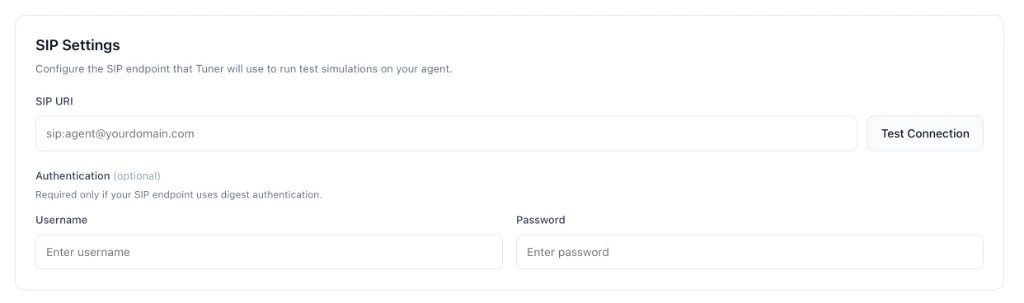
- SIP URI: whatever Retell displays (often
sip:<identifier>@sip.retellai.com). - Username / Password: leave empty unless Retell issued digest credentials.
If your integration uses Retell’s Register Phone Call API, the returned
sip:{call_id}@sip.retellai.com is temporary (~5 min) and meant for programmatic dialing, not for Agent Settings → SIP Settings. Use a stable SIP endpoint instead.Paste into Tuner
- In Tuner: Agent Settings → SIP Settings.
- Paste SIP URI (and username/password only if Retell provides them).
- Click Verify & Save.
Run your first simulation
Configure your simulation mix and start a batch.