

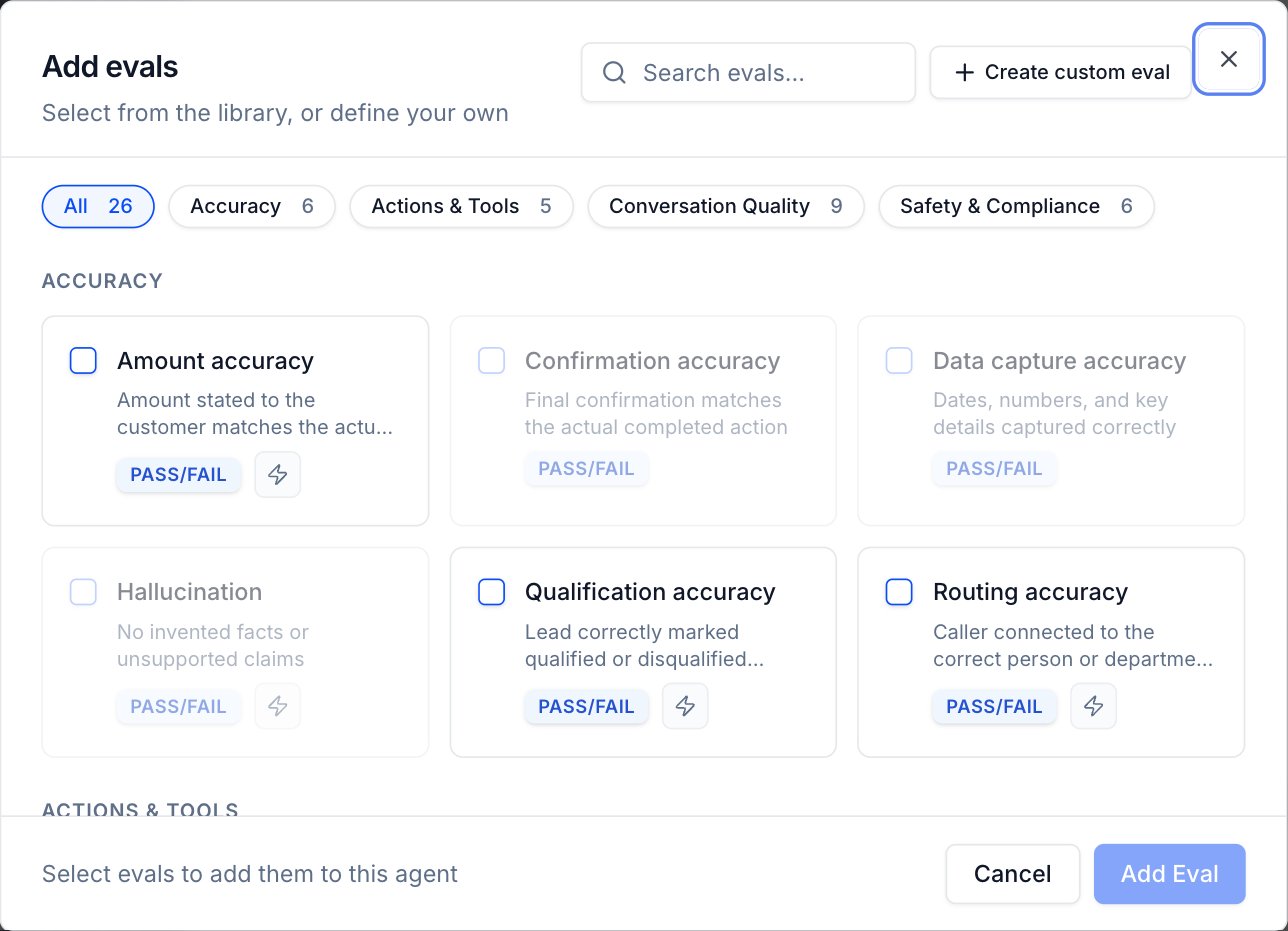
Accuracy
Checks that the agent captured and confirmed information correctly.Actions & Tools
Checks that tools and workflows were invoked correctly.Conversation Quality
Measures how well the agent communicates throughout the call.Safety & Compliance
Checks that the agent stays within required guardrails.Add predefined evals to your agent
In Agent Settings > Evaluation Rules, click Add in the Evals section to open the library. Filter by category or search, select the evals you want, and click Add Eval. See Create evals for the full steps.Predefined evals run on every production call and every simulated call. The same criteria score both.
Next steps
Evaluate agents with per-call instructions
Give evals the runtime instructions each call was made with.
Red flags and labels
Turn eval results into tags you can filter and alert on.