

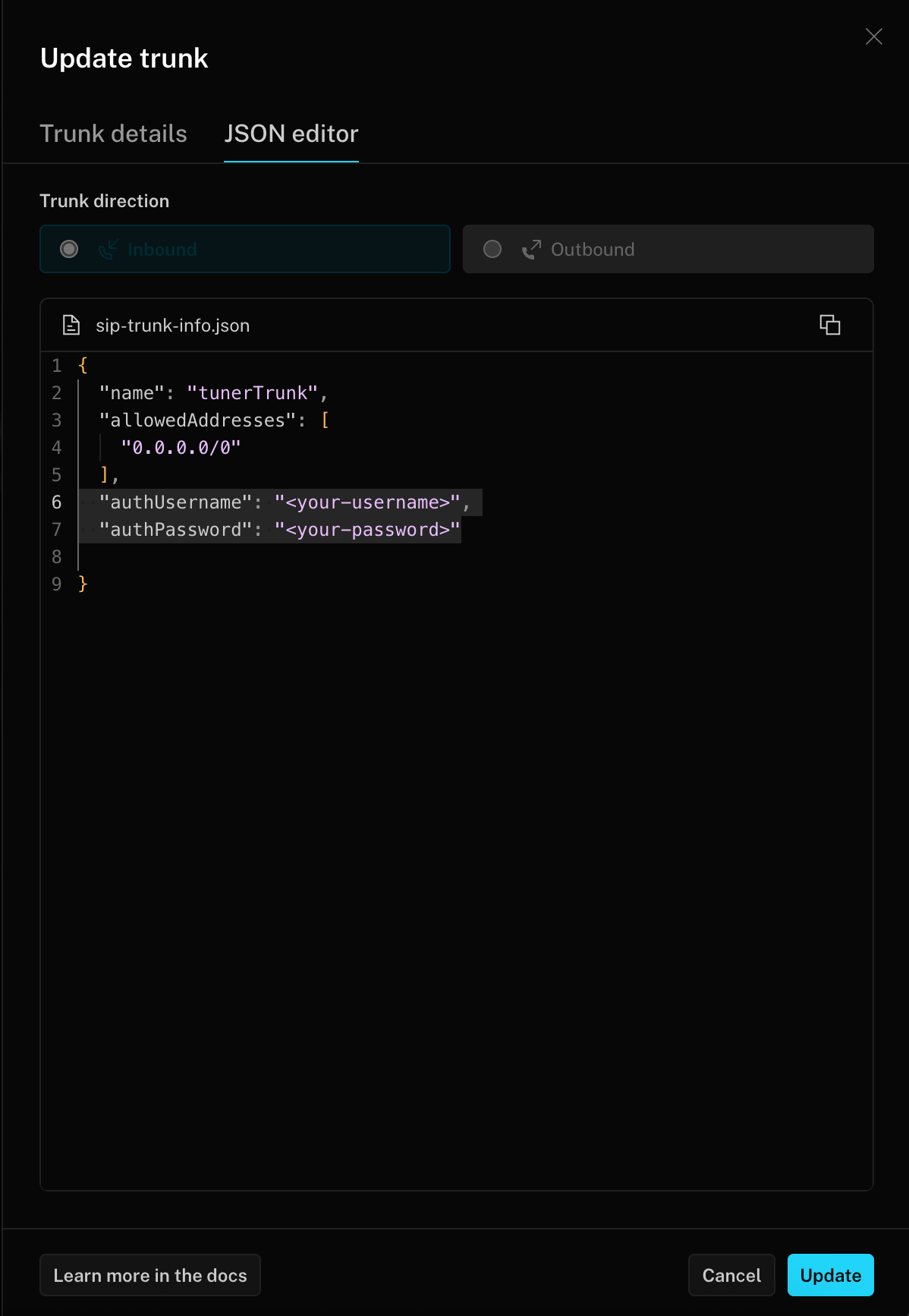
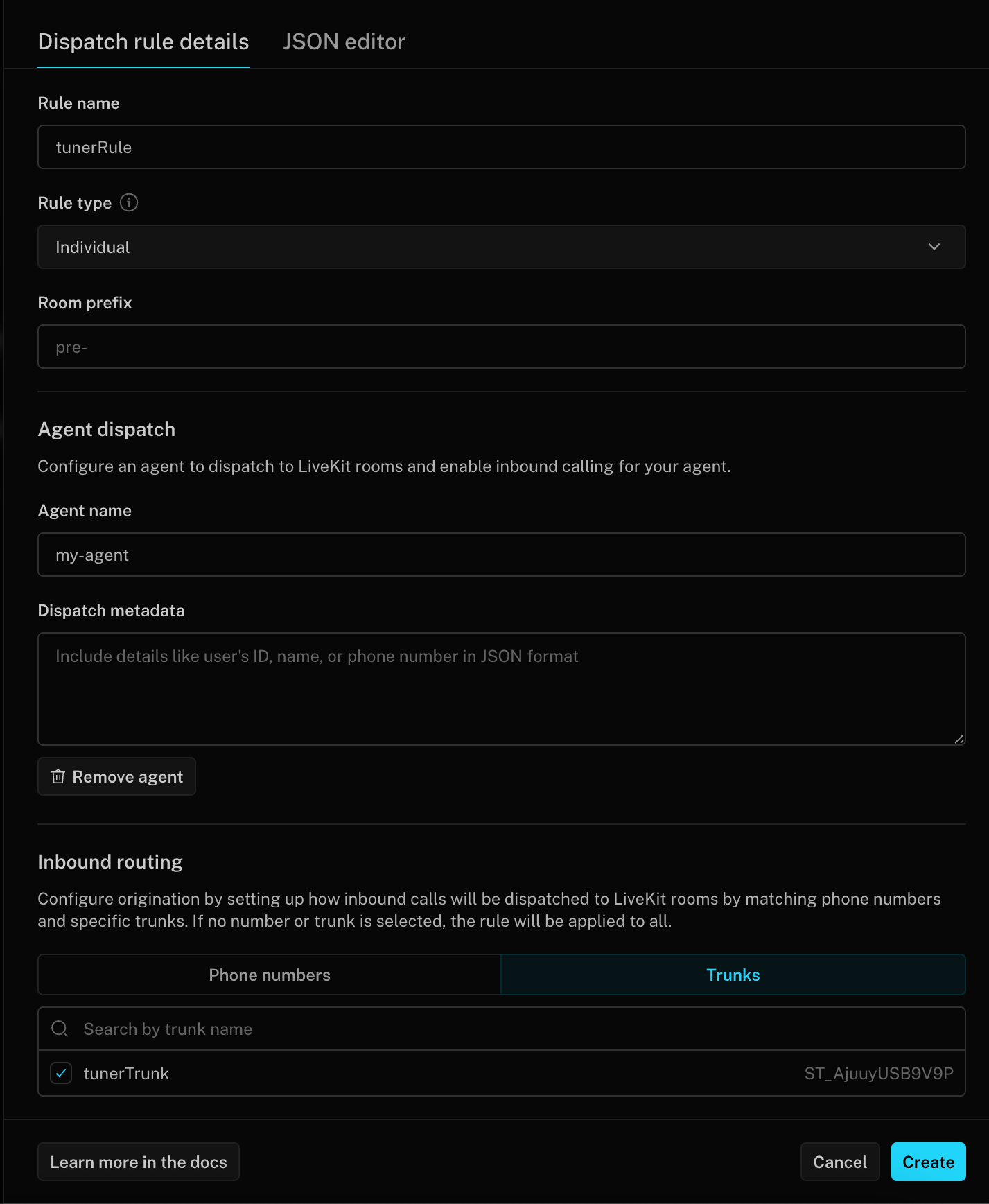
For LiveKit, Pipecat and custom-stack agents. Get the SIP URI here, then paste it into Tuner as described in Set up inbound simulation.
X-Correlation-Id header, on to your agent. See How simulated calls are linked.
Pick your provider. If you already have a SIP URI, skip this page and paste it into Tuner.
- Twilio
- Telnyx
- Plivo
- Exotel
- Jambonz
- Daily
- LiveKit SIP bridge
- Other / custom
SIP setup
What is Twilio? Twilio is a cloud communications platform that lets you place and receive phone calls programmatically. A Twilio SIP Domain gives you a SIP address that Tuner can dial. Each call to the domain makes Twilio call the domain’s Voice URL, which is your webhook.Create a SIP Domain for inbound simulation only, because a domain has one Voice URL. Attach a Credential List for authentication, and set the Voice URL to your webhook (HTTP POST).- SIP URI shape:
sip:<user>@<your-domain>.sip.twilio.com - Username / Password: the values from your Credential List.
Syncing the Call-ID
Twilio sends Tuner’sX-Correlation-Id header to your webhook as SipHeader_X-Correlation-Id, with the SIP Call-ID as SipCallId. It doesn’t copy them to a media stream WebSocket or to a new SIP call. Forward them from the webhook as described in Enable simulation for LiveKit, Pipecat or Custom stack.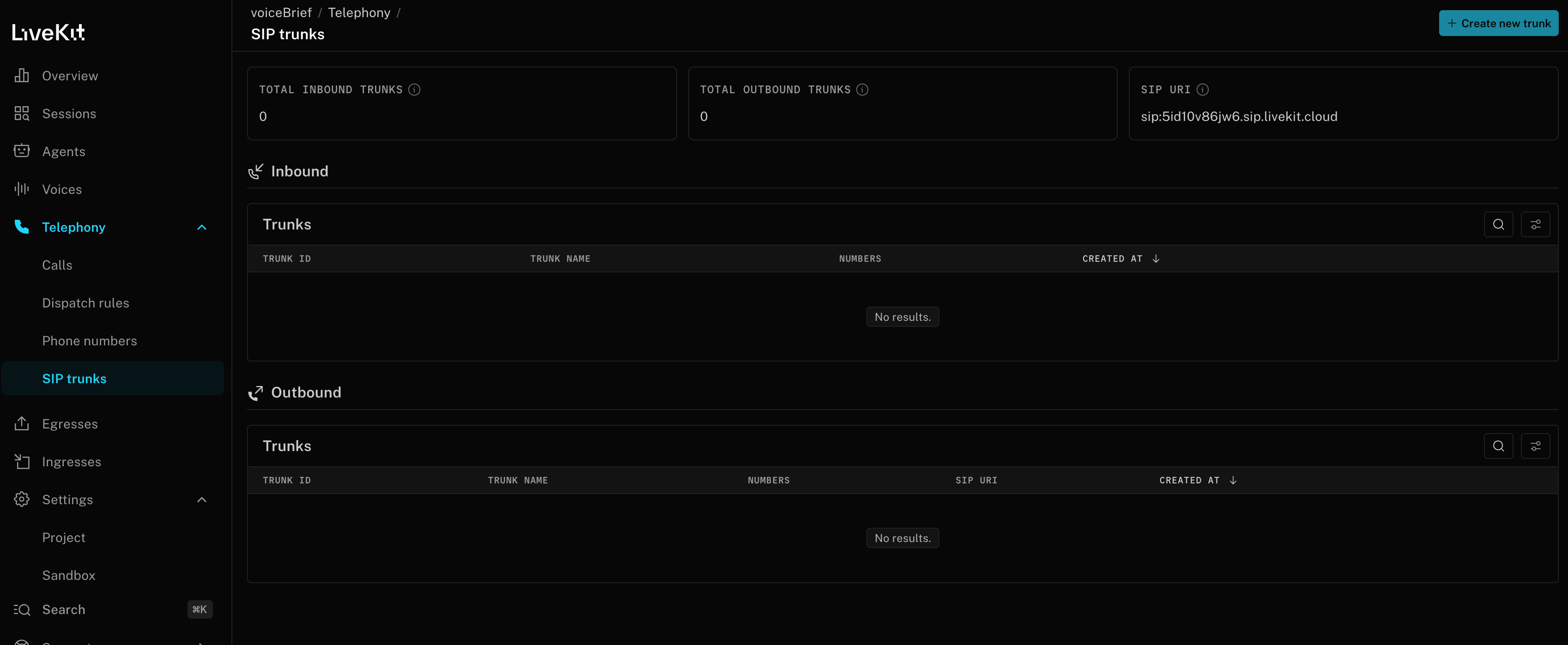
Next steps
Run a simulation
Configure your Simulation Mix and start a run.
Run statuses
What each run status and call result means.